
✨ New Arrival — Inventor Kit
Build Real Robots. No Coding Needed. Repeat.
6 new Inventor Kits — wire, assemble, play. Ages 8–15.


bolt
6 New Kits
Wire, assemble, play
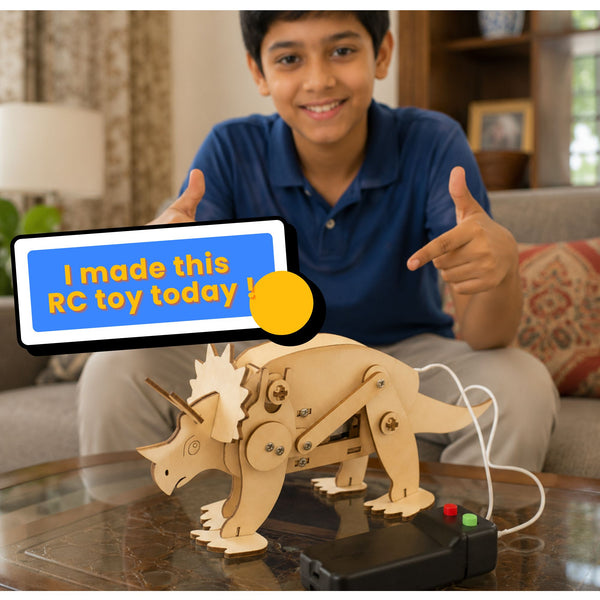
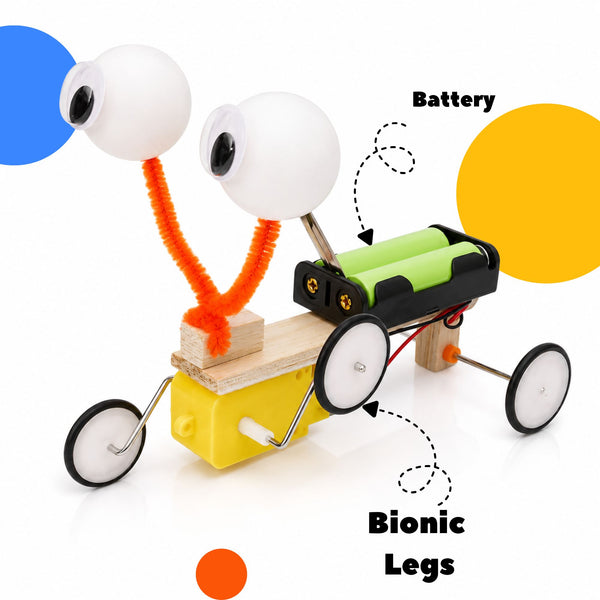
Featured Kits
Start your engineering journey.
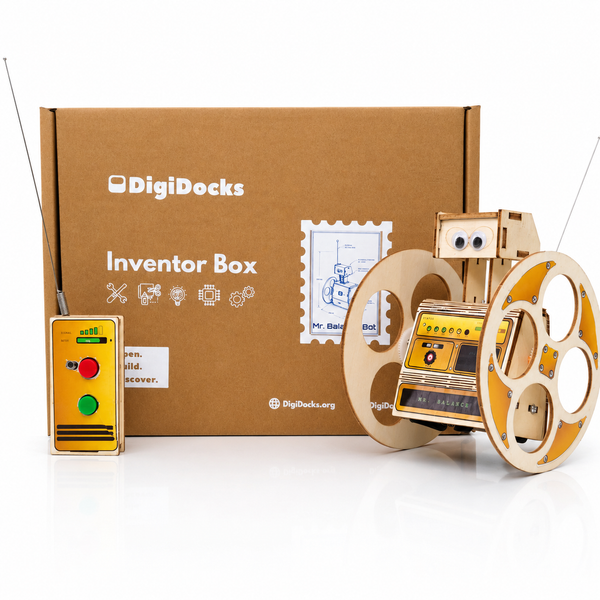
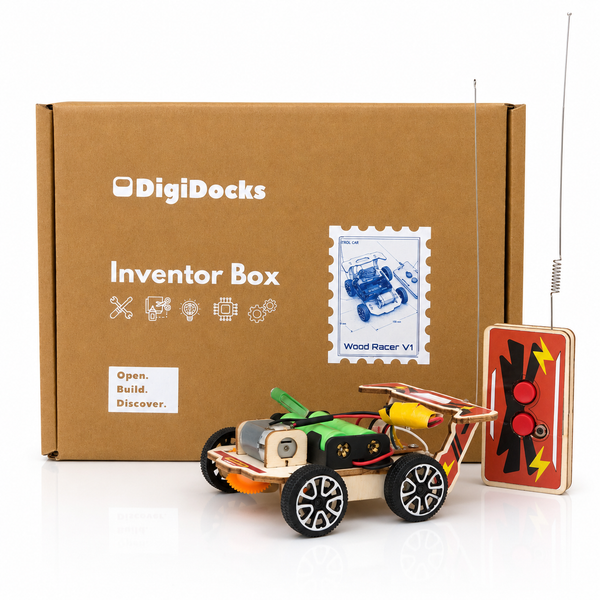
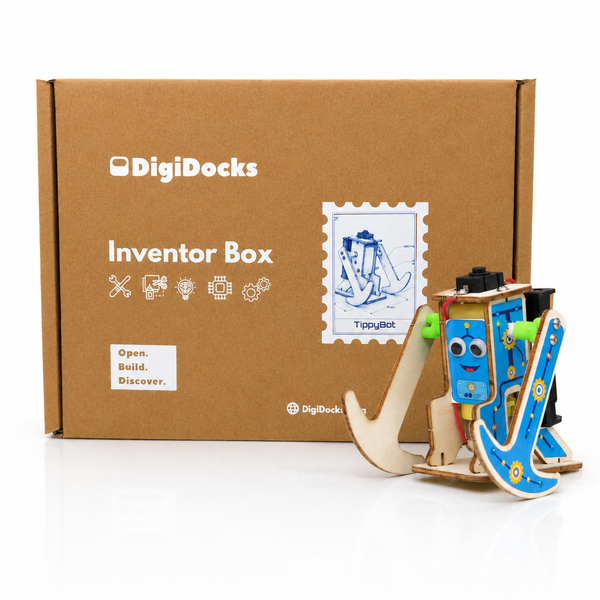
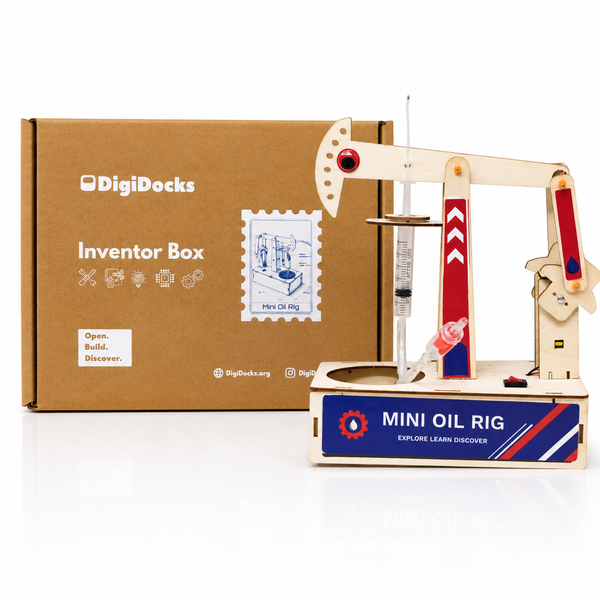
From the Blog
Tips, stories, and news from the world of robotics.
Happy Customers
Trusted by Parents and Educators
starstarstarstarstar
"Earlier, my kids spend time breaking things at home out of curiosity. With this kit, they happily sit indoors, build robots, and actually learn something new."
starstarstarstarstar
"Instead of group screen time, my kids now enjoy group build time. They collaborate, experiment, and create together."
starstarstarstarstar
"Instead of Mobile and TV my kid is finally learning new concepts of electronics and robotics."
starstarstarstarstar
"My daughter built her first robot in 20 minutes. She was so proud — she showed it to everyone. Worth every rupee."
Frequently Asked Questions
Everything you need to know before you build.
precision_manufacturing About Our Kits
Is this too difficult for my child?
No. Every DigiDocks kit is designed for first-time learners. The illustrated manual breaks the build into small numbered steps — no prior experience, no tools beyond the included screwdriver, and no technical knowledge needed. If your child can follow a recipe, they can build a DigiDocks kit.
What if my child gets stuck?
Three layers of support are built in. First: the printed illustrated manual with numbered steps. Second: short video solutions accessible via QR code inside the box. Third: Docky AI for live, real-time guidance. No child is left stuck.
How does robotics actually work?
Each project teaches the core electronics chain: sensor → logic board → output module. Flip a switch, cover a light sensor, and watch the motor respond. It's cause-and-effect science you can see and touch — not a simulation.
Does building DigiDocks kits mean more screen time?
No. Every build is 100% screen-free. The phone is only needed if your child wants to scan the QR code for a video hint — completely optional. The kit itself is all hands-on.
Does it need coding, a laptop, or any app?
No coding, no computer, and no app during the build. Every DigiDocks kit is plug-and-play mechanical assembly. Just the kit, the manual, and your child's curiosity.
extension About Inventor Box
What tools does my child need?
A Phillips screwdriver — it's included in the kit. No other tools are required.
What batteries does the kit need?
Most kits use 2 AA batteries. RC kits that come with a remote control require 4 AA batteries. Batteries are not included and are available at any general or grocery store.
Does my child need adult help to build?
Children aged 8 and above can follow the illustrated manual independently. Adult supervision is recommended for younger children and for the first build.
The motor isn't working — what should I check?
Start with the batteries (are they fresh and inserted correctly?), then check the power switch is in the ON position, and finally compare all wire connections against the manual diagram step by step.
The motor runs but in the wrong direction — is it broken?
No, this is a quick fix. Swap the red and black wires at the motor terminals. Reversing polarity reverses the motor direction — it's a core electronics lesson, not a defect.
A part is missing or arrived damaged — what do I do?
Email us at reachdigidocks@gmail.com with your order number, the kit name, and the part number from the illustrated manual. We'll send a replacement at no cost.
Does it need coding, a computer, or a smartphone app?
No. Every Inventor Box kit is pure physical assembly. No screens, no software, and no internet connection required during the build.
smart_toy About Docky AI
Is Docky AI free to use?
Docky AI is free for all DigiDocks kit owners. Enter your kit's unique product code when signing up to unlock full access. A limited guest mode is available without a code.
How does Docky know about my specific kit?
Every DigiDocks kit includes a unique product code printed inside the box. When you enter it, Docky unlocks the exact projects, wiring diagrams, and guidance for that kit — nothing generic.
What ages is Docky designed for?
Docky is built for ages 8–16. It automatically adapts its language and complexity based on your level — simpler explanations for beginners, more technical depth for advanced builders.
Does Docky work offline?
Docky requires an internet connection to function. An offline mode for key features is in development. Make sure you have Wi-Fi when building!
Can parents monitor Docky conversations?
Yes. Create a family account and all Docky conversations are accessible from the parent dashboard. Parents stay in the loop without hovering over the build.
local_shipping
Free Shipping
On all orders across India
autorenew
30-Day Returns
Hassle-free return policy
child_care
Safe for Kids
Tested for ages 8 and above
lock
Secure Payments
UPI, cards & wallets accepted